
SIM Card Replacement
OBD Device
Tip: Click any image to enlarge.
Disassembly
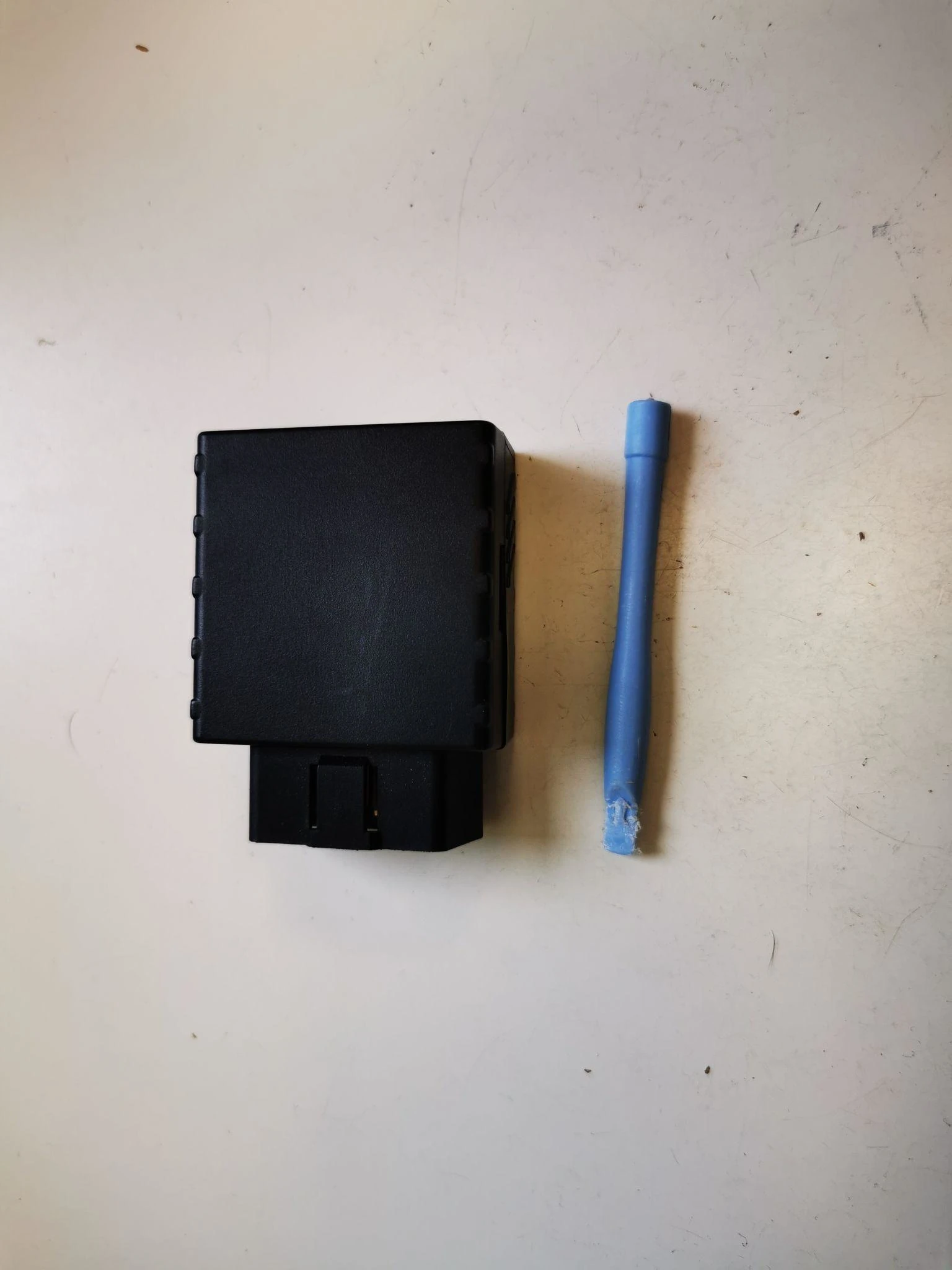
Step 1
Use a spudger or any similar plastic pryer (metal pryers can damage the plastic housing of the device).
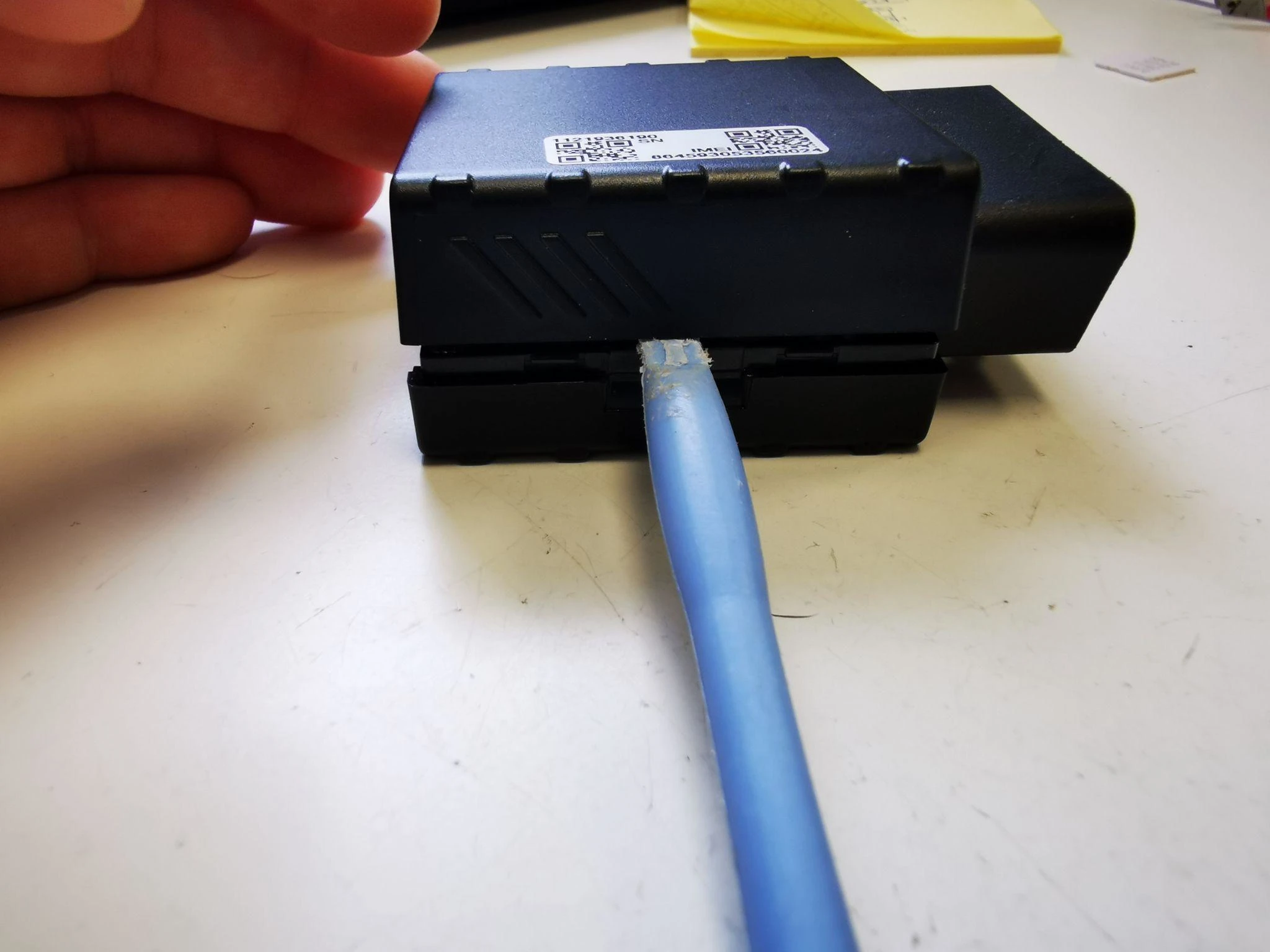
Step 2
Insert the spudger in one of the latches on either side of the device to pry it open. Do the same on the other side and the device will open.
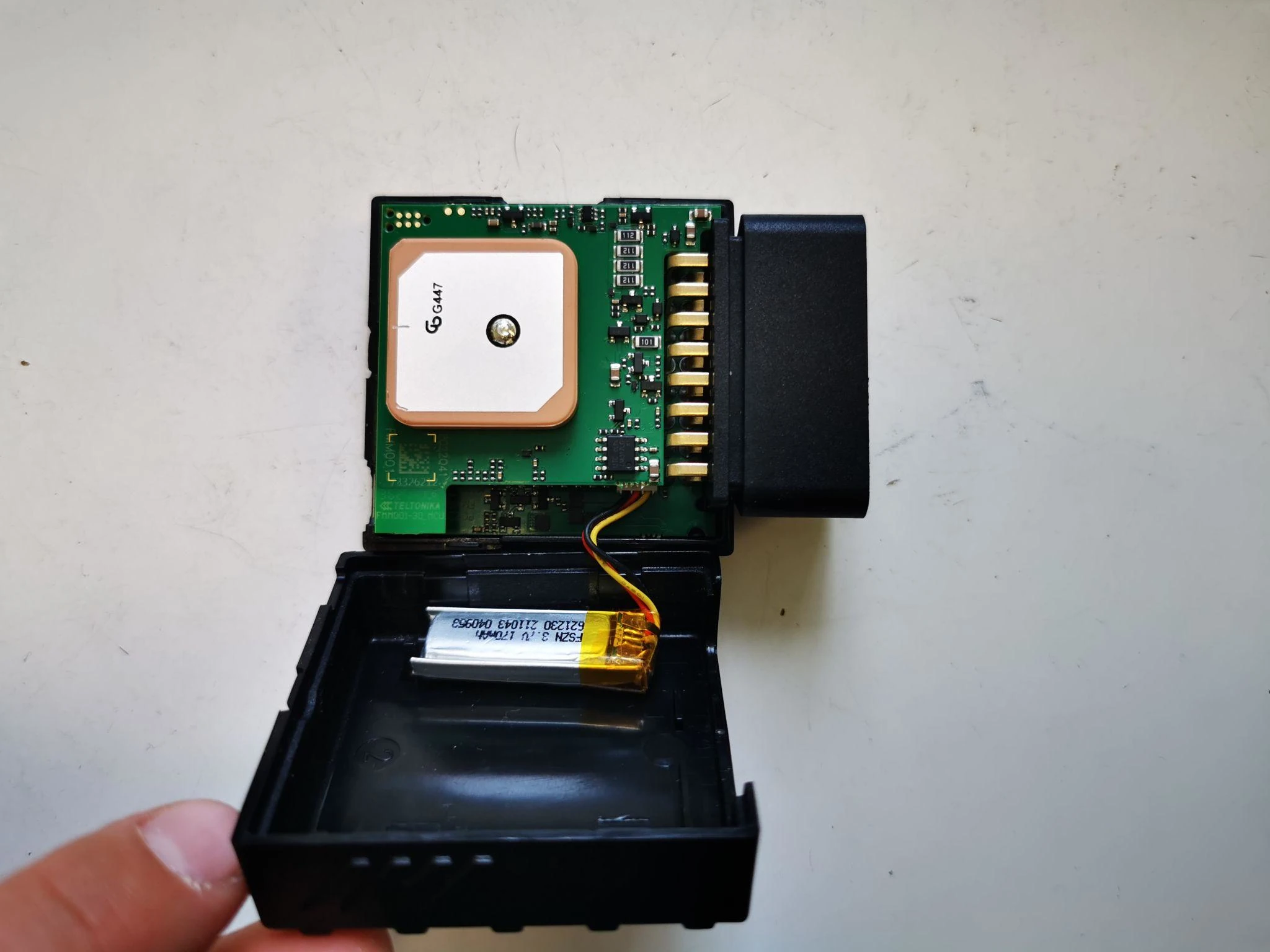
Step 3
Carefully remove the top cover so that you don't unplug or damage the battery, its cables or the battery connector on the device.
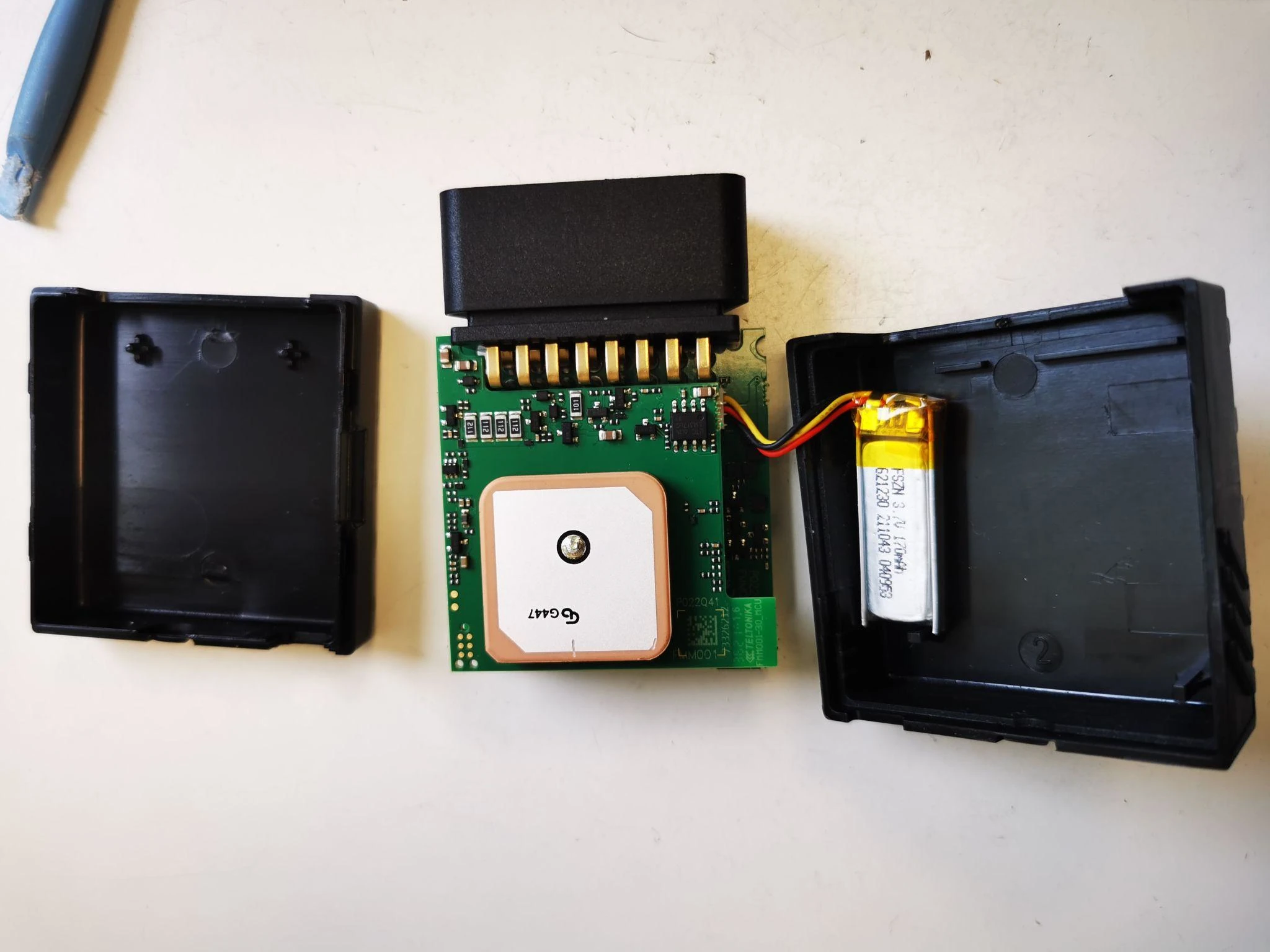
Step 4
Remove the lower cover lid and set the device on your working surface.
Swapping the SIM Card
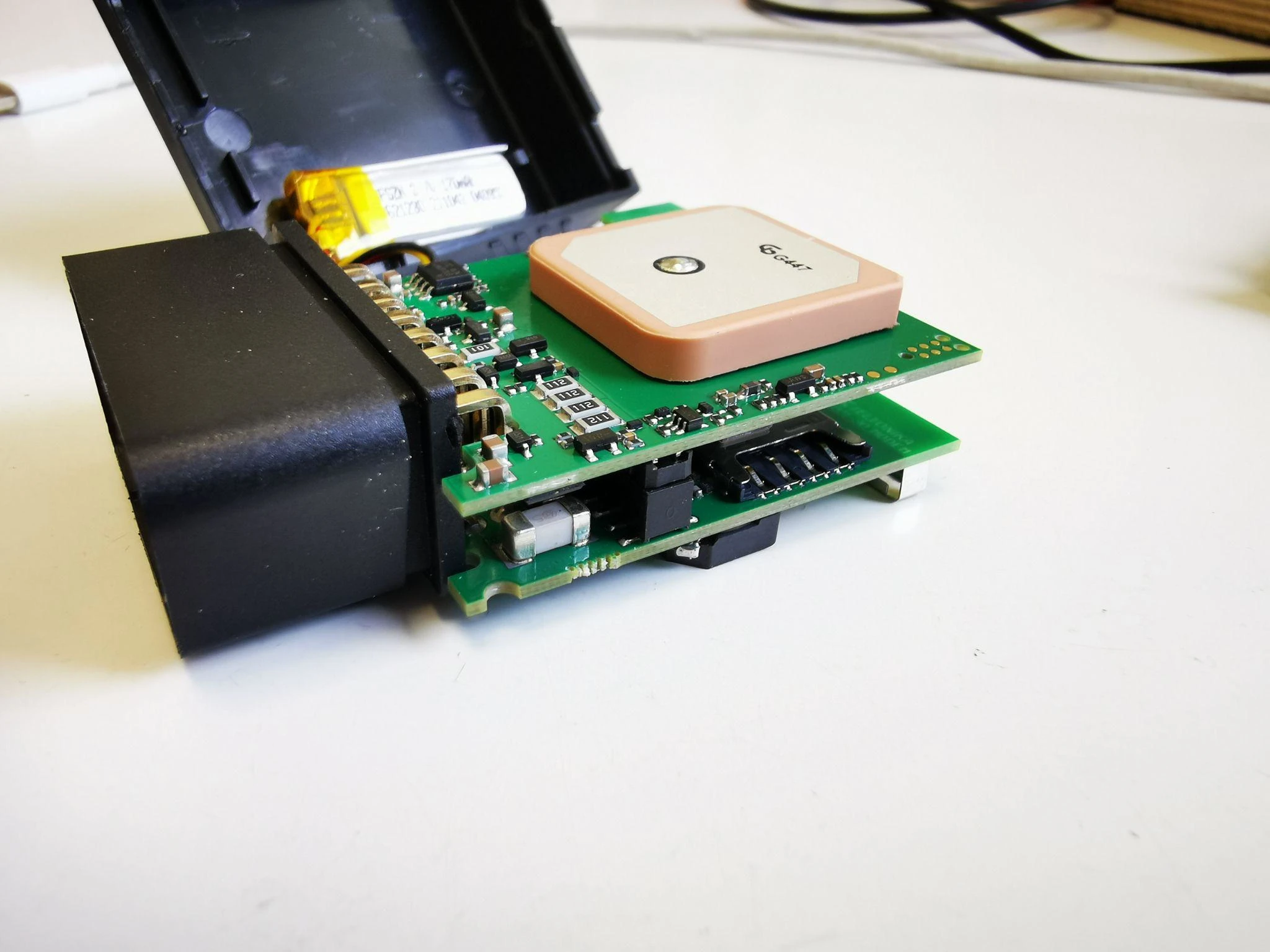
Step 5
Find the SIM card slot on the device, it is located between the two boards.
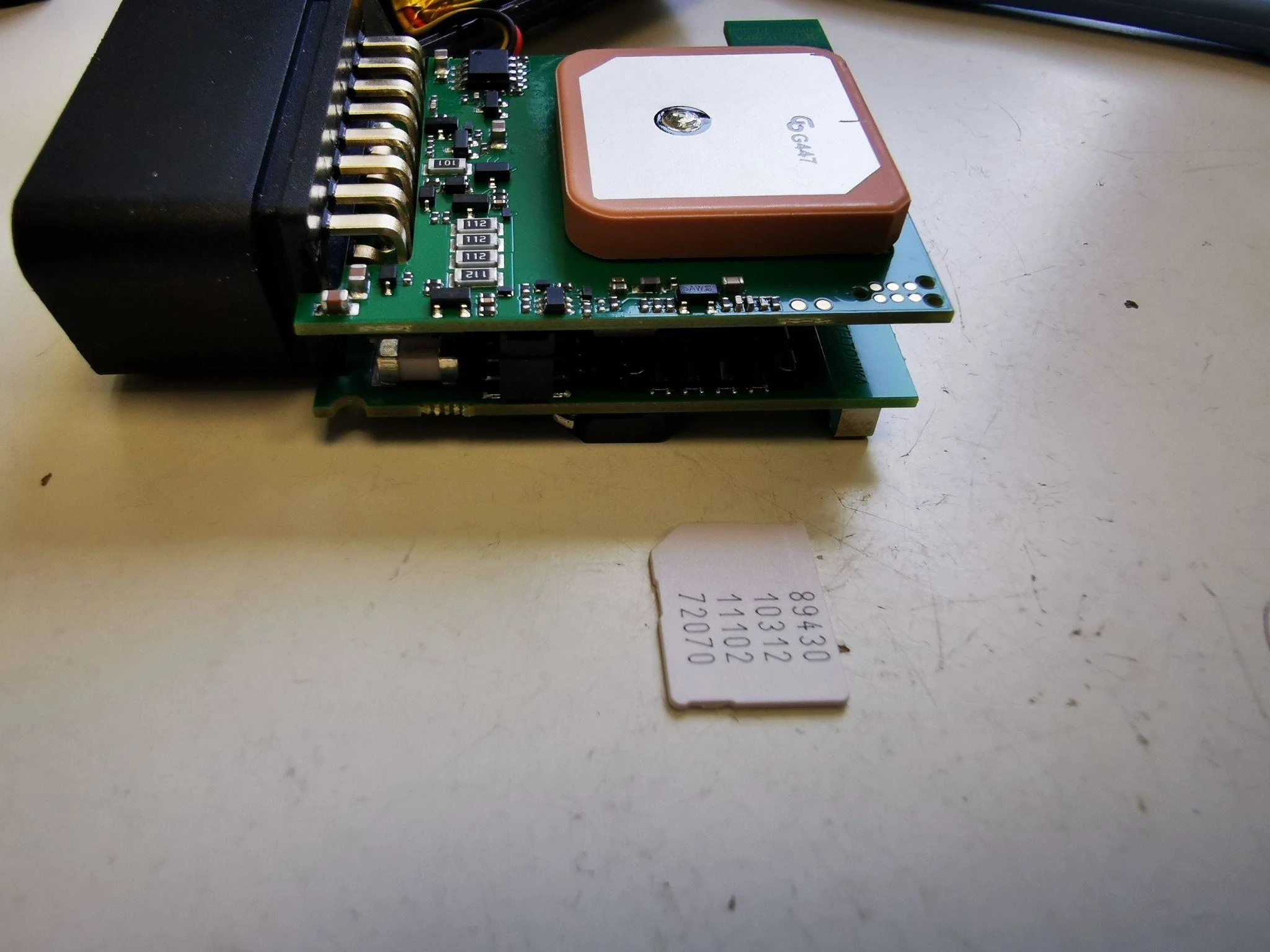
Step 6
Insert your SIM card into the slot, with the cut corner forward (see picture). Use tweezers or a similar tool to pull the sim card out slowly, so you don’t damage the SIM slot.
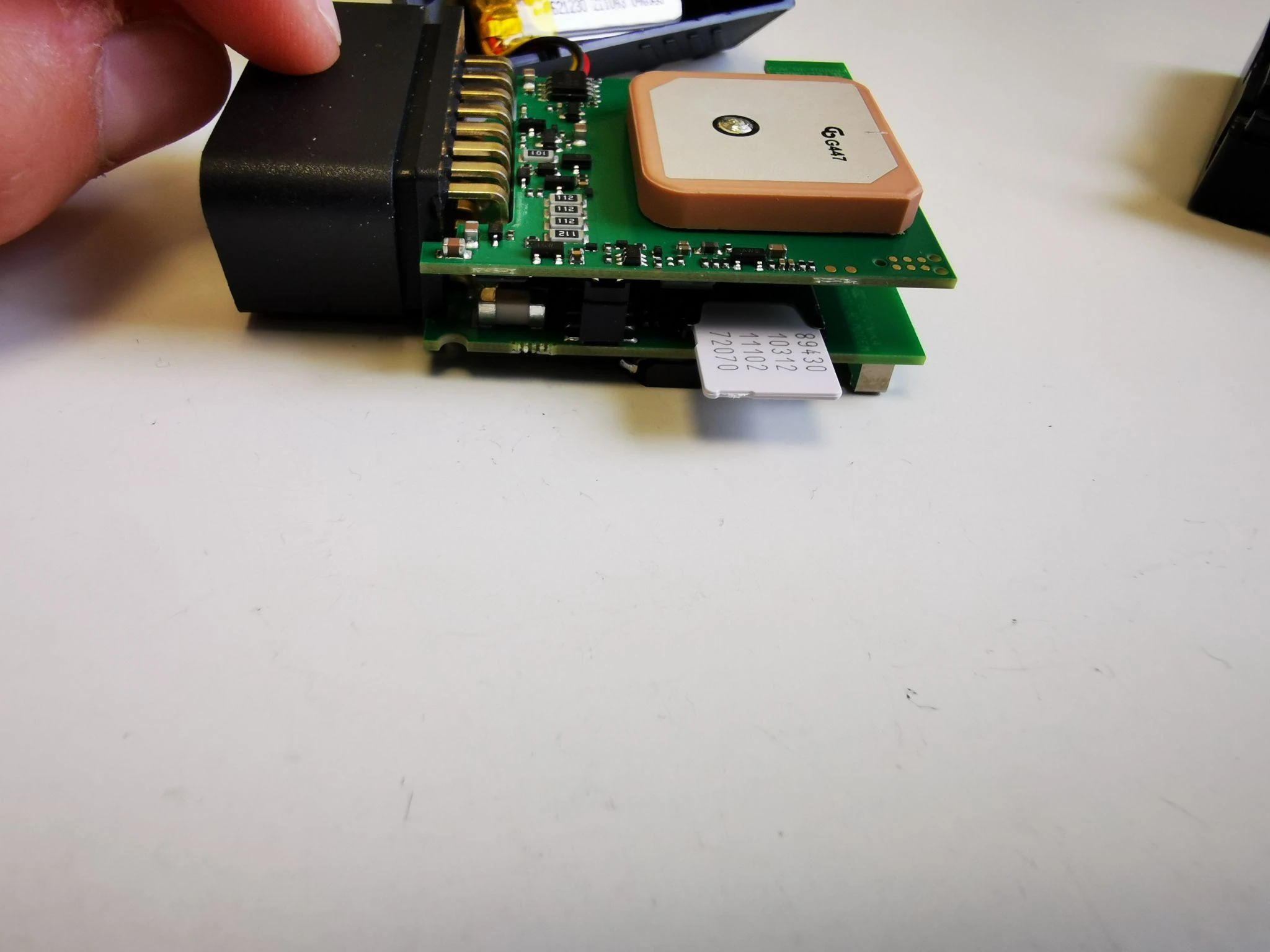
Step 7
Carefully push the SIM card into the slot.
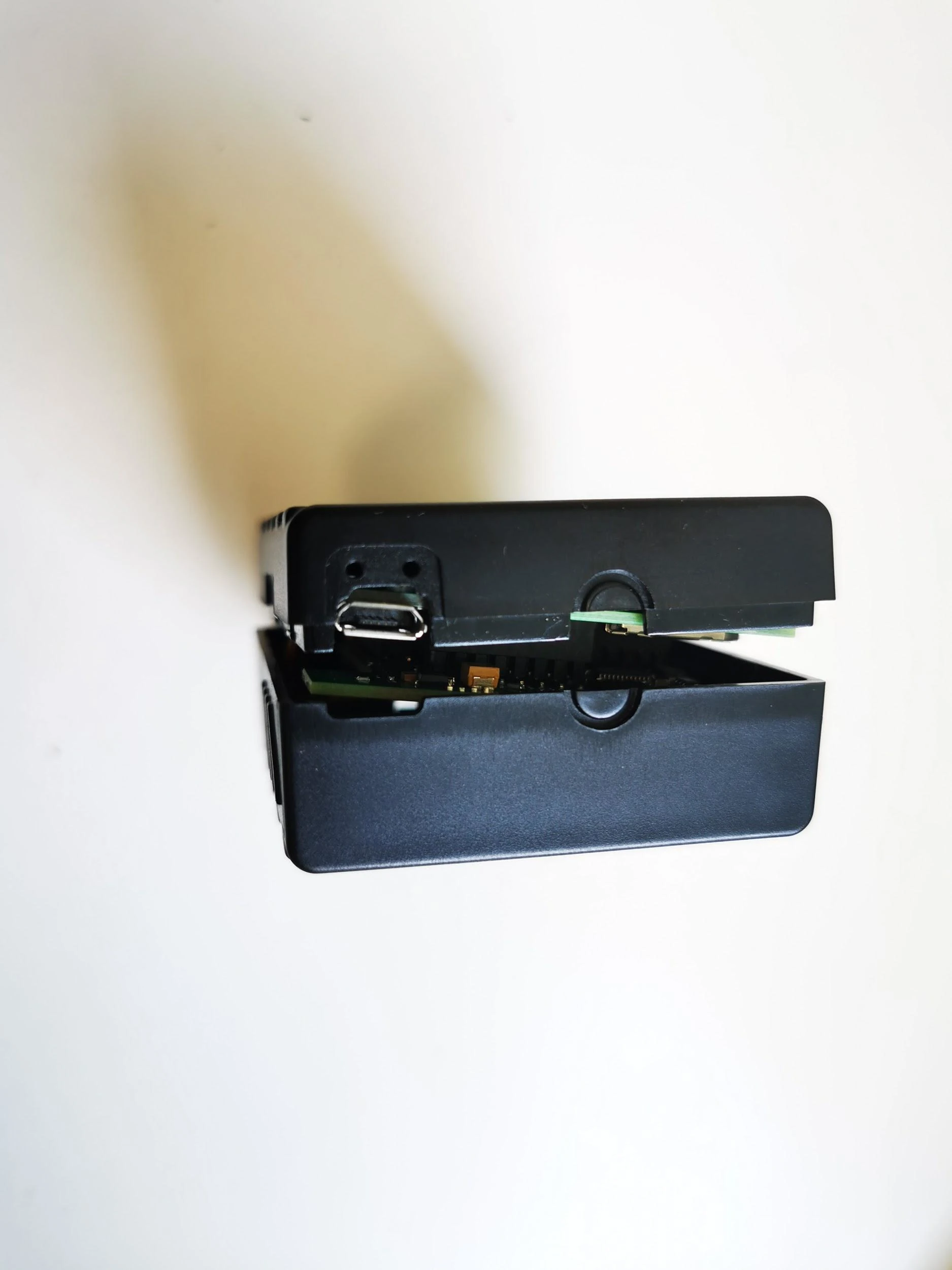
Step 8
Close the device case - make sure the two covers are in the right place, covering the USB port and look out for any battery cables hanging out - and you’re good to go.
If you encounter any issues during this process, please contact our support team.
Contact Support