


How-To
How to Activate Your New CarLock Device
Thank you for buying CarLock. Before you start using CarLock service, you will need to create a CarLock account and activate your device. This step-by-step guide is specifically designed for customers who bought CarLock and need help with activation process.
[Updated in 2026]
If you already own and use a CarLock device and just want to add another CarLock device to your account read the — How to Add Another CarLock Device to Existing Account — guide.
1. What Is in the Box?
The CarLock device comes packed in a box with a User’s Installation Guide and an Activation Card.
You need the activation card to activate your device. It is highly recommended for you to read the User’s Installation Guide before installing the device into your vehicle.
2. Activate Your Device
- Download CarLock app via App Store (iPhone) or Google Play (Android). Or go to web CarLock app if you’d like to activate device on web browser: activate.carlock.co.
- Take the Activation Card
- Enter the Activation Code and Serial Number from the activation card into the corresponding fields.
- Click “Next →”

Carlock Activation Card
Activation code (left) consists of letters and numbers, while the serial number (right) consists only of numbers.
2. Create the CarLock Account
Second and the last step is to fill out the form with all required information to finish the CarLock activation process.
- E-mail address — enter your valid e-mail address that will serve as a username for your new CarLock account
- Confirm e-mail address
- Password — think up the unique and strong password
- Confirm password
- Name — your full name
- Country
- GSM number — needed for backup Call and SMS notifications
- Emergency contacts — add one or more phone numbers to receive the SMS in event of a collision
- Time zone — choose the right timezone
- Car manufacturer — choose the car manufacturer
- Model — name your vehicle – will be displayed in the app
- Choose the subscription plan you wish to have and enter your payment account — the first month is completely free for each new CarLock device
3. Log into Mobile App or My.CarLock
Congratulations! You have successfully activated your CarLock device and created your CarLock account.
You can log in to my.CarLock web application or Android/iOS mobile app with your e-mail and password.
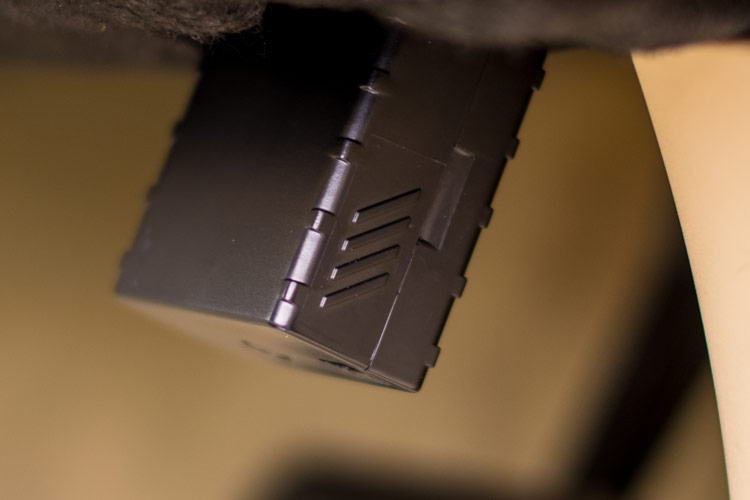
4. Once the device has been activated, connect it to your vehicle and go for a drive to ensure that it starts working properly.
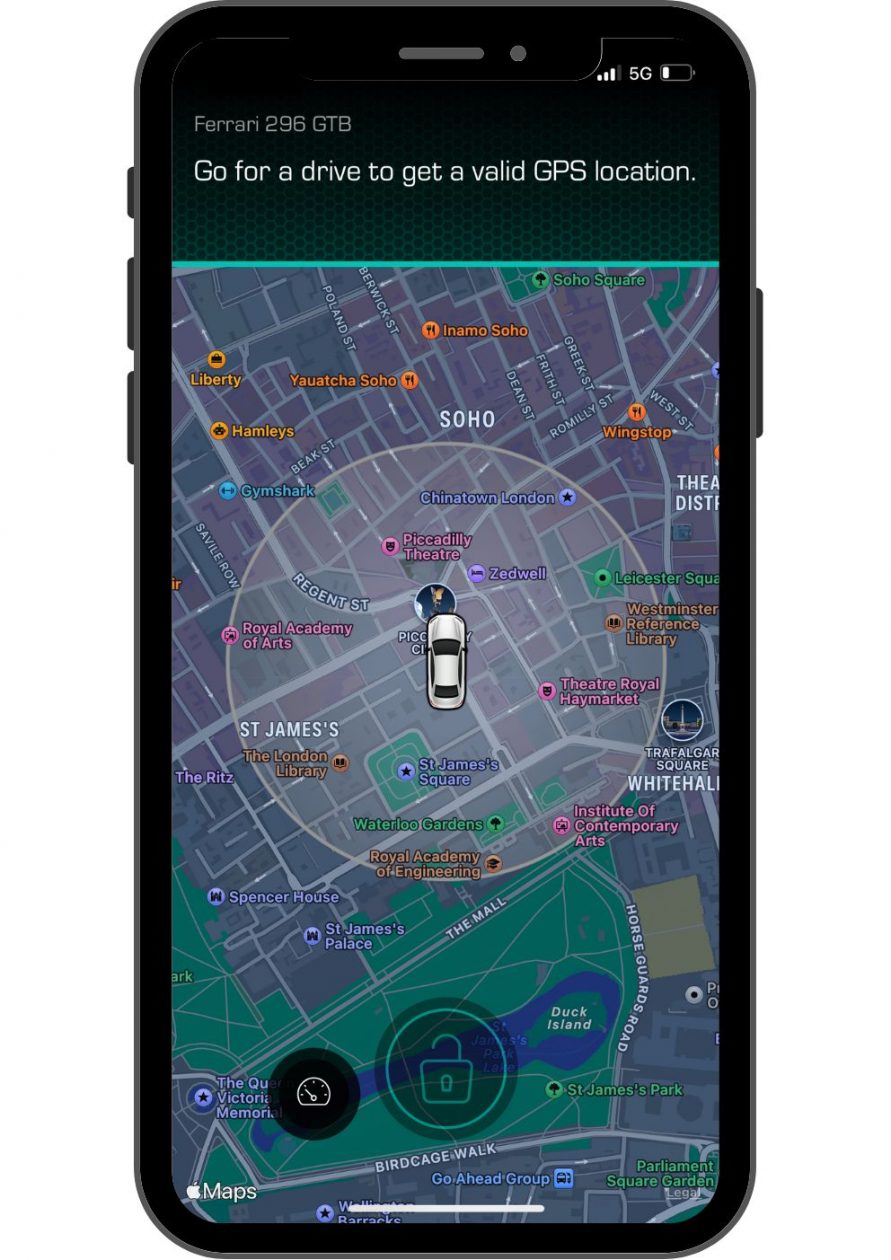
Your new CarLock device may have already found your car’s location. If not (as shown in the photo), go for a longer drive to get the GPS location of your car.
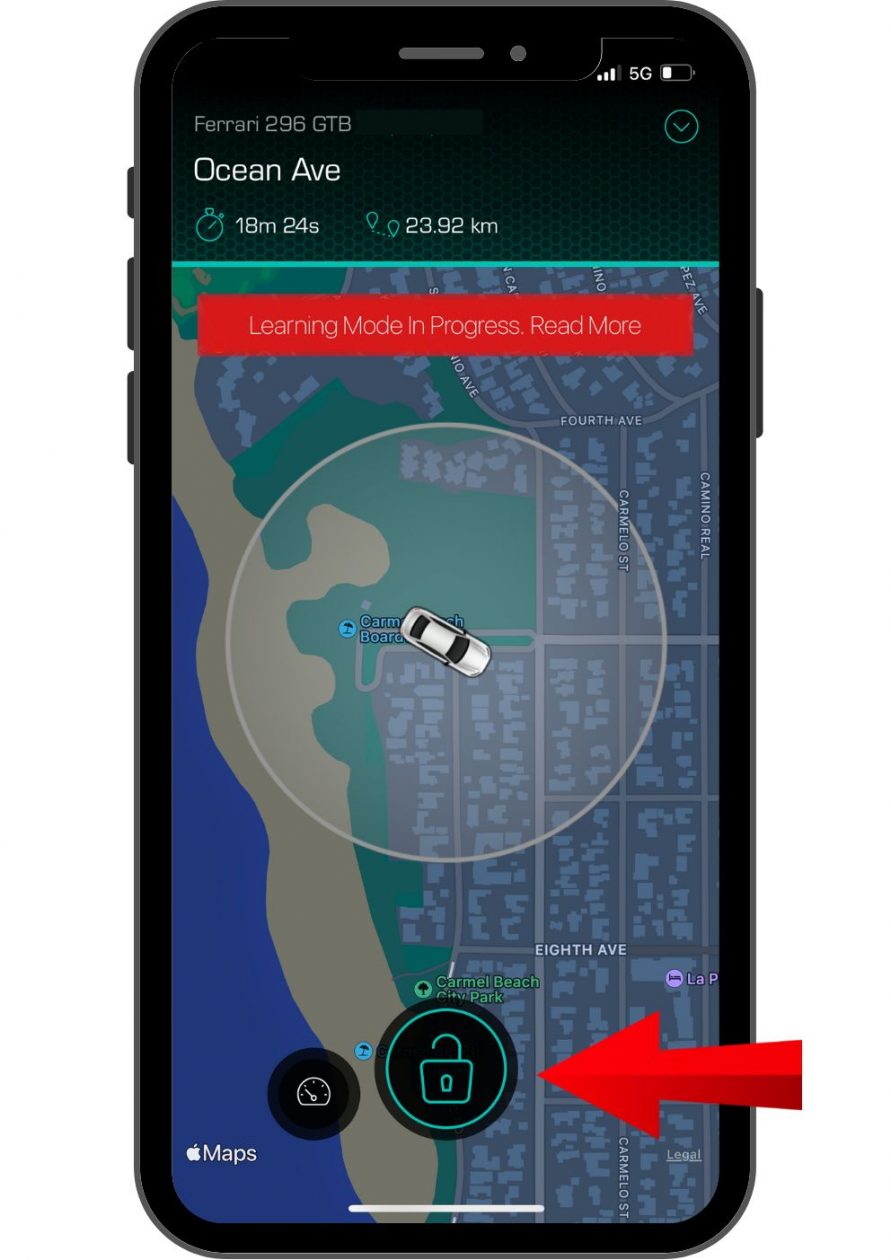
Your CarLock device is ready to use once the CarLock app displays the correct location of your car and you can turn the security notifications on/off by tapping the “Lock” button which enables/disables the security notifications.
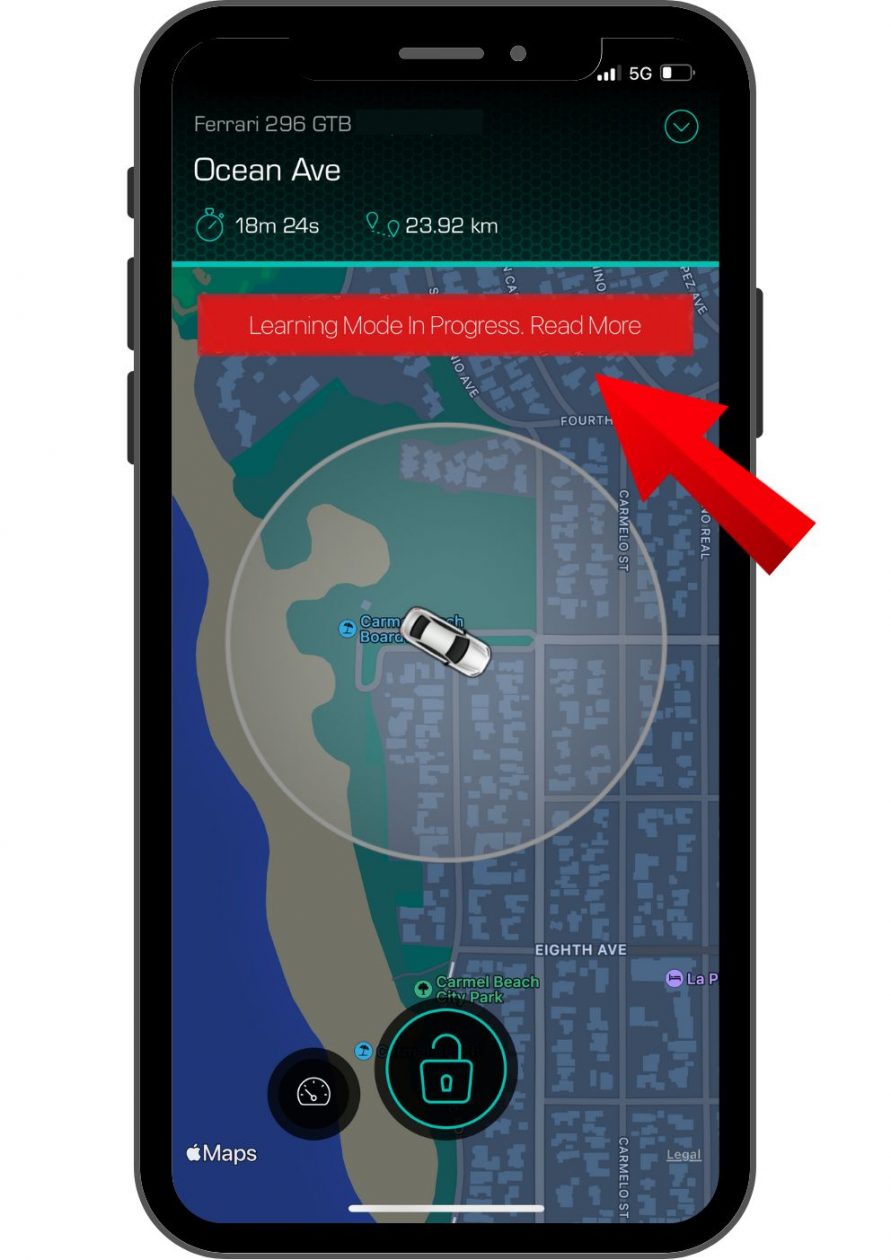
The device needs up to 7 days to fully adapt to your car. Tap on the warning to read more.
4. Activate Additional CarLock Devices
Once you have created the CarLock account and activated your first CarLock device you don’t need to create another account for another CarLock device. You can add additional devices to the same account and track multiple vehicles at the same time. Read more on how to do that here — How to Add Another CarLock Device to Existing Account.
If you have any more questions, visit our help center at www.carlock.co/help.
The CarLock Team