

Driver’s Desk
Protect Privacy: How to Know If Your Car Is Being Tracked
If you have that nagging feeling your car is being tracked, you're not wrong to be concerned. But the first thing you need to understand is that it's happening in two completely different ways. You've got the hidden, illegal tracker planted by a person, and then you have the massive data collection network built right into your car by the manufacturer.
Figuring out which one you're dealing with is the key to protecting yourself. This guide provides a detailed, evidence-based approach to uncovering both types of surveillance.
The Two Ways Your Car Is Being Tracked Right Now
Let's be clear: that unsettling feeling that your car is watching you isn't just paranoia anymore. From the moment a new vehicle leaves the factory, it's packed with technology that can monitor and report on its every move. According to recent industry analysis, the connected car data monetization market is projected to reach over $800 billion by 2030, a clear financial incentive for widespread data collection.
But not all tracking is created equal. The threat really splits into two camps, and knowing the difference dictates how you search for a device and what you can do about it.
Targeted vs. Widespread Tracking
On one hand, you have targeted tracking. This is what most of us think of first: someone—an ex-partner, a private investigator, or a stalker—physically planting a small GPS device on your car. The motive here is personal and specific. The device is meant to be covert, and its only job is to report your exact location.
On the other hand, there’s widespread tracking, which is done by the car companies themselves. Your car is no longer just a machine; it's a rolling computer loaded with sensors, cameras, and its own internet connection. This “connected car” technology vacuums up a staggering amount of data, not just for performance diagnostics but for the automaker's own profit.
To give you a better handle on what you might be up against, here's a quick rundown of the common tracking technologies, who uses them, and why.
Common Types of Car Trackers and Their Purpose
| Tracker Type | Typical User | Primary Purpose |
|---|---|---|
| Plug-In OBD-II Tracker | Private investigators, suspicious partners, fleet managers | Easy to install, provides real-time location and vehicle diagnostics. Often used for its simplicity. |
| Hardwired GPS Tracker | Anti-theft services, fleet management, concerned parents | Connected directly to the car's battery for continuous power. More permanent and reliable than other types. |
| Battery-Powered Magnetic Tracker | Stalkers, private investigators, temporary surveillance | Small, self-contained, and can be attached to any magnetic surface (like the undercarriage). Designed for stealth. |
| Manufacturer "Connected Car" System | Automakers, data brokers, insurance companies | Built into the car's infotainment and telematics systems to collect driving habits, location history, and personal data. |
While a hidden, battery-powered tracker is a serious personal threat, the most sophisticated tracker in your car might just be the one that came from the factory.
Modern vehicles are goldmines of data for automakers and third-party data brokers. They often collect information far beyond what drivers realize, from your driving habits to what's happening on the road around you.
Why This Distinction Matters
The difference between these two types of tracking is crucial for your safety. A hidden GPS device could reveal your home, workplace, and daily routines to someone with malicious intent. This is a direct invasion of your privacy that can pose an immediate physical threat.
Corporate data collection is a different beast. It's a slower, more subtle erosion of your privacy, but it can have very real financial and personal consequences. For example, automakers can sell your "driver score"—a profile built from your acceleration, braking habits, and trip times—to insurance companies, which could drive up your rates without you even knowing. Taking steps to increase your awareness about car tracking is the first line of defense.
The scale of this manufacturer data collection is jaw-dropping. A groundbreaking review by the Mozilla Foundation found that 52% of major car brands collect data on the world around your car, like road conditions and nearby pedestrians.
Experts predict that by 2026, a shocking 98% of all new cars sold globally will come with this technology built-in. Worse, over half of these car brands admit they will hand your data over to law enforcement based on a simple request—no court order needed.
With 78 million connected cars already on the road today, the odds are high that your vehicle is tracking you in some capacity, even if you never find a planted device. This guide will walk you through how to tackle both threats, starting with a hands-on physical search and then moving on to managing the data your own car is collecting.
If you’ve got that gut feeling that someone might be tracking your car, the best first move is to do a thorough physical search. It's the most reliable way to find out for sure. We'll go through this step-by-step, checking all the typical—and not-so-typical—hiding spots, so you can get some peace of mind.
Before you start, you'll need two things: a good flashlight (the brighter, the better) and an extendable inspection mirror. These are non-negotiable for getting a good look into the dark, awkward spaces where these devices are usually stashed.
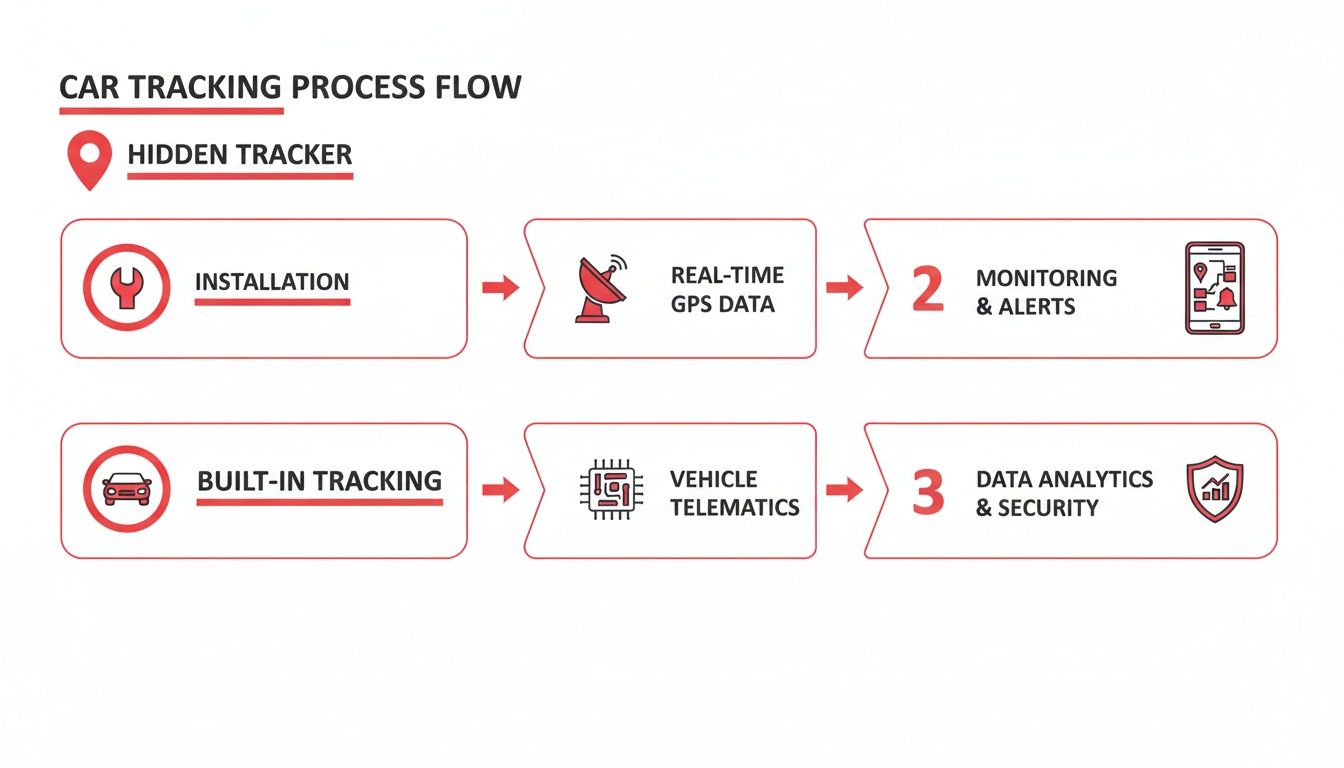
It's helpful to understand that your car's location can be monitored in two main ways: with a hidden, aftermarket device, or through the car's own built-in systems. This search focuses on finding those hidden trackers.
Checking the Outside of Your Vehicle
Most trackers planted without your knowledge are magnetic and battery-powered. Why? Because they're fast. Someone can slap one on your car in seconds and be gone. This makes the exterior the most likely place to start looking.
Get down on the ground and start with the undercarriage. Use your flashlight to meticulously scan the entire metal frame. You're looking for flat surfaces where a small box could be easily attached. Pay close attention to the areas just inside the edges of the frame, as they offer both concealment and easy access.
Next, move to the wheel wells. You'll need to crouch down for this. Run your hands carefully along the inside of the plastic liners. A small device tucked high up in a wheel well is easy to miss but can still get a solid GPS signal. Feel for anything that seems out of place.
Don't forget the bumpers. Both the front and rear bumpers have plenty of empty space perfect for hiding a tracker. Gently pry the plastic bumper covers to create a small gap and shine your light inside. Look for any small black boxes or wiring that obviously isn't factory-installed.
Searching Inside the Car
If the exterior sweep turns up nothing, it's time to move indoors. Placing a tracker inside the vehicle is common when the person has more time and wants to hardwire it to a power source, so they don't have to worry about a battery dying.
The absolute first place to check is the On-Board Diagnostics (OBD-II) port. You’ll usually find it under the dashboard on the driver’s side, often near your shins. This port provides constant power, making it a favorite for plug-and-play trackers. See if anything is plugged in that you don't recognize.
After the OBD-II port, turn your attention to the seats. Slide the front seats all the way forward and then all the way back. Use your flashlight and mirror to inspect everything underneath—the tracks, the springs, and any visible wiring. Feel around for any unusual lumps or small boxes that might be attached with tape or zip ties.
Remember what you're looking for: a small, non-descript black box. These devices are designed to be missed, so they rarely have logos or blinking lights. You're searching for something that looks like it doesn’t belong—an object that isn't a factory part of your car.
The trunk is another high-value target. Open it up, lift out the floor mat, and check inside and around the spare tire well. Pull back the side carpeting and look inside any built-in storage cubbies. A tracker could be hidden in here for months without being found. For a good reference, you can see what a legitimate, owner-controlled tracker looks like by checking out CarLock's advanced GPS device features.
Common Hiding Spots for Hidden Trackers
To make sure your search is as thorough as possible, here's a quick-reference table of the most common places to find a hidden GPS tracker.
| Location | Why It’s a Common Spot | What to Look For |
|---|---|---|
| Undercarriage | Ideal for quick, magnetic placement by someone with limited time and access. | A small, weatherproof magnetic case (usually black) attached to the vehicle's metal frame. |
| Wheel Wells | Hidden from a casual glance but still offers a clear enough view of the sky for a GPS signal. | A small device, often covered in road grime, tucked high behind the plastic fender liner. |
| Behind Bumpers | The hollow space behind the plastic bumper cover provides an excellent hiding spot. | A small box taped or zip-tied to the bumper support or tucked into a crevice. |
| OBD-II Port | Offers a constant power source, eliminating the need for batteries. Simple plug-and-play installation. | A small, dongle-like device plugged directly into the port under the steering column. |
| Under Seats | Out of the driver’s immediate line of sight and easy to access for placement. | A small box or pouch taped or zip-tied to the seat frame, springs, or wiring. |
| In the Trunk | Contains many concealed areas like the spare tire well or behind panels that are rarely disturbed. | A device tucked inside the spare tire, behind carpet liners, or within a side storage compartment. |
By methodically working your way through these spots, you stand a very good chance of finding a hidden device if one is there. Taking the time to do this yourself is a powerful step toward securing your vehicle and reclaiming your privacy.
Using Technology to Detect Digital Spies
A thorough physical search is a great starting point, but let's be honest—some of today's tracking devices are so tiny they can slip past even the most careful inspection. When you need absolute certainty, it's time to bring in technology to electronically sniff out anything that's hiding in plain sight.
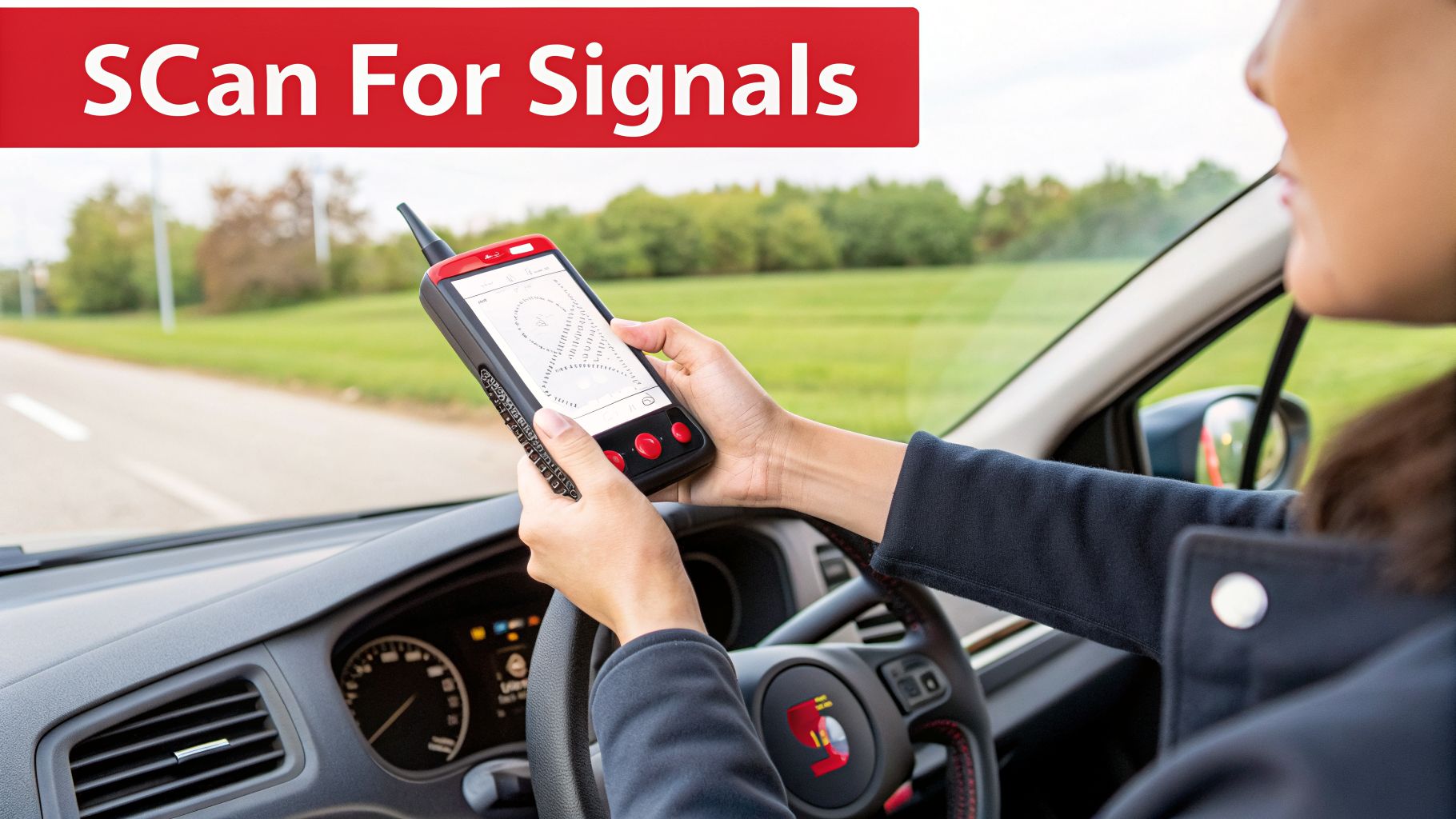
Most trackers work by actively broadcasting their location in real-time. This signal, while essential for the tracker to function, is also its biggest weakness. With the right tools, you can pick up on these transmissions and follow them right to the source.
Hunting for Signals With an RF Detector
Your best bet for an electronic sweep is a dedicated RF (Radio Frequency) detector, sometimes called a bug sweeper. This tool is designed to scan for the radio waves that active GPS trackers use to communicate, which is almost always over a cellular network like 4G or 5G. Think of it as a highly sensitive nose for sniffing out hidden signals.
When you use an RF detector, the key is to be slow and methodical. Sweep it carefully throughout your car’s interior and exterior. As you get closer to a transmitting device, the detector's alarm will get louder or its signal meter will jump, guiding you right to it.
For a sweep to be truly effective, a few pro tips can make all the difference:
- Create a Quiet Zone: Your own smartphone, the car's built-in Bluetooth, or a personal Wi-Fi hotspot can all create "noise" that confuses the detector. Before you start, turn off every other electronic device in and around the car to get a clean reading.
- Simulate Movement: Some of the stealthier trackers are motion-activated to save power, meaning they only transmit when the vehicle is moving. To catch these, have a trusted friend drive slowly around an empty parking lot while you scan from the passenger seat.
- Be Patient: Don't rush it. Many trackers "ping" their location at set intervals—sometimes every few minutes. You need to move slowly enough to give the tracker a chance to transmit while the detector is nearby.
Tracker Detection Methods Comparison
Choosing the right detection method depends on your budget, technical comfort level, and how certain you need to be. A physical search is always the first step, but electronic tools offer a much deeper level of security.
| Method | Effectiveness | Cost | Required Skill Level |
|---|---|---|---|
| Physical Inspection | Moderate | Free | Low |
| RF Detector Sweep | High | $50 – $500+ | Moderate |
| Smartphone Apps | Very Low | Free – $20 | Low |
| Mechanic Inspection | High | $100 – $300 | None (for you) |
Ultimately, a dedicated RF detector offers the best balance of effectiveness and cost for a DIY sweep. While a professional mechanic can find hardwired devices, an RF sweep is better for catching battery-powered, "slap-and-track" units.
Can Your Smartphone Find a Tracker?
You've probably seen apps claiming to turn your phone into a high-tech bug sweeper. It’s an appealing idea, but the reality is that your smartphone is the wrong tool for this job. Most of these apps do little more than scan for nearby Bluetooth and Wi-Fi signals.
While a smartphone app might get lucky and spot a Bluetooth-based item tracker like an AirTag, it is completely blind to the vast majority of dedicated GPS trackers. Relying on an app can create a dangerous false sense of security.
The core issue is that serious GPS trackers don't use Bluetooth to report their location; they use cellular networks. Your phone's hardware simply isn't built to detect those specific cellular pings the way a dedicated RF detector can. These apps also have zero chance of finding passive trackers (data loggers), which don't transmit any signal at all.
Interpreting Rogue Signals and Drains
Beyond active scanning, your phone can still help you spot other digital breadcrumbs. Sit in your car with the engine off and systematically check your phone's Bluetooth and Wi-Fi connection lists. Keep an eye out for any persistent, unnamed, or strange device names that don’t belong to you or your car.
A mysterious and rapid battery drain is another classic sign of trouble. If you find your car battery is dying way faster than usual, a hardwired tracker continuously drawing power could be the culprit. To see how a legitimate security system should work, you can explore the features within the CarLock app, which is engineered to monitor your car's health without causing battery problems.
By layering a physical search with these tech-based methods, you stack the odds in your favor, giving you the best chance of finding a hidden device and getting definitive proof if your car is being tracked.
Managing Your Car's Built-In Data Collection
It’s easy to get fixated on finding a hidden, aftermarket tracker someone might have planted on your car. But what if the most invasive surveillance device is the one that came straight from the factory?
Your new car isn't just a car anymore. It's a rolling data center, and automakers have found a goldmine in selling what it collects. This isn't like a simple GPS device sending pings; it’s far more subtle, operating under the friendly guise of "connected services." It's all buried in the fine print of those terms-of-service agreements almost nobody ever reads.
Figuring Out Your Car's Data Footprint
First things first: you need to understand what your car is actually sharing. Not all vehicles are equally nosy, so your initial step is to get a baseline.
You can start by plugging your Vehicle Identification Number (VIN) into a service like Privacy4Cars. It generates a detailed report outlining the specific types of data your car is designed to collect and, more importantly, who it shares that information with. This report can be a real eye-opener, and it gives you a roadmap for the next step: digging into your car's settings.
The scale of this data collection is staggering. A CBS News report revealed how cars track everything—your speed, how hard you brake, whether you wear a seatbelt, and even how many passengers you have. Some carmakers even claim that anyone who gets into your car automatically consents to being tracked, with that data then sold to brokers and insurance companies.
Diving Into Your Infotainment Settings
Armed with a better understanding of what your car is collecting, it’s time to navigate the maze of your infotainment system. This is where it gets tricky. Carmakers often bury privacy controls under confusing menus with vague labels, hoping you'll just give up.
Here’s a general checklist of where to start looking:
- Connectivity Settings: Find the menu for Wi-Fi, Bluetooth, and cellular data. You can often disable the car's built-in modem entirely, which cuts off its main line of communication to the manufacturer's servers.
- Profile or Account Settings: If your car made you set up a user profile, that’s a prime spot for privacy controls. Look for options related to data sharing and "personalization."
- Navigation and Location Services: This is where you can shut down location history tracking and other GPS-related data streams.
- Connected Apps: Go through any third-party apps like SiriusXM or OnStar. Each one has its own privacy settings that need to be checked.
Be persistent. These settings are often hidden away in sections labeled "Advanced," "System," or "Vehicle Data." Your goal is to find and shut down anything that mentions "data sharing," "telematics," "market analysis," or "vehicle usage data."
Using Your Data Rights
Depending on where you live, you have legal rights to control your information. Under laws like the California Consumer Privacy Act (CCPA), you can demand that companies—including automakers—give you a copy of the personal data they've collected on you.
Head to the car manufacturer's corporate website and look for a "Privacy" or "Your Data Rights" link. You'll likely have to fill out a form to prove you are who you say you are. The report they send back can be shocking, with detailed trip logs and driving behavior scores you never knew existed. If you don't like what you see, you can use that same portal to submit a deletion request. Understanding your rights concerning car data privacy is one of the most powerful tools you have.
As a connected device, your car is part of a much larger network, and it's wise to be aware of the bigger picture. To get a better grasp of the risks that come with today's smart devices, it's worth reading up on IoT security challenges. Taking these steps is just as crucial as searching for a physical tracker.
What to Do After You Find a Tracker
Okay, you found one. Your heart is probably pounding, and your first instinct is to rip that little black box off your car and smash it. It’s a completely normal reaction—finding a tracker feels like a massive violation.
But hold on. The next few minutes are critical. What you do right now can determine your safety and the outcome of any legal action you might take.
So, take a deep breath. Before you touch anything, grab your phone. Your new job is to document everything. Take crystal-clear photos and videos of the device from every angle. Crucially, also take wider shots to show its exact placement on your vehicle. This context is pure gold as evidence.
First, Assess Your Safety
Once you have proof, your immediate focus has to be on your personal safety. You need to ask yourself a hard question: Who could have put this here? Are you dealing with a controlling ex, a domestic dispute, or a potential stalker? This is a huge red flag for tech-facilitated abuse, which is a serious and growing problem.
If you have any reason to believe you're in physical danger, do not remove the device. I can't stress this enough. Leaving it in place means the person tracking you doesn't know you're onto them. That ignorance gives you a window of time to contact the police, come up with a safety plan, and get somewhere secure.
Your immediate safety dictates your next move. If you believe you are being stalked or are a victim of domestic abuse, the tracker is no longer just a device—it is a critical piece of evidence. Let the police handle its removal.
On the other hand, if you're certain the situation isn't a threat—maybe it's a misunderstanding with a family member, or you suspect it's a forgotten device from the car's previous owner—then carefully removing it yourself might be the right call.
To Remove or To Report
The decision to take it off yourself or call the authorities comes down entirely to that threat assessment.
- When to Call Law Enforcement: If you feel harassed, stalked, or illegally monitored in any way, your first call is to the police. Tell them what you found and show them the photos you took. They will advise you on what to do next and will likely want to retrieve the tracker themselves to preserve it as evidence.
- Removing a Battery-Powered Tracker: If you've ruled out an immediate threat, you can usually handle a simple magnetic or adhesive tracker. Put on a pair of gloves (to avoid leaving fingerprints), gently detach it, and immediately place it in a foil-lined bag or a purpose-built faraday bag. This should block its signal.
- Dealing with a Hardwired Tracker: Never try to remove a hardwired tracker on your own. These are wired directly into your car's electrical system. Messing with it is a great way to cause expensive damage or even an electrical short. If you find one of these, your best bet is to take the car to a trusted mechanic or an auto electronics specialist for safe, professional removal.
Discovering a hidden GPS tracker is an unnerving experience, no question. But by pausing to document the scene and putting your safety first, you take back control. From there, you can make a calm, calculated decision to secure your vehicle and, more importantly, your own well-being.
Get Ahead of the Problem with Proactive Security

Searching your car for hidden trackers and digging through complex data settings is a good start, but it's purely reactive. You're playing defense. True security puts you on the offense, giving you control before a problem escalates.
This means developing a mindset of awareness. Get into the habit of performing regular physical checks and questioning the data your car's manufacturer collects. But the real game-changer is installing a security system that actually works for you, the owner.
How to Flip the Script with Your Own Security System
Instead of anxiously wondering if someone is tracking your car, imagine getting an instant alert the moment something unusual happens. That's the core difference between being a victim of surveillance and being an empowered owner.
A system like CarLock is built to do just that—it flips the script. It’s not a covert spying device; it's a security tool that serves you by sending alerts you actually care about directly to your phone. Think of it as your car's personal watchdog.
You get notified instantly about things like:
- Suspicious Vibrations: Get an alert if the car is bumped, rocked, or a tow truck tries to lift it.
- Engine Started: You'll know the second the engine fires up when you're not the one starting it.
- Device Disconnected: If anyone tries to unplug or tamper with the security device itself, you get an immediate warning.
This is a world away from the silent data logging happening in the background. Your car’s "black box," or Event Data Recorder (EDR), is just one small part of a much bigger picture. A 2026 analysis revealed automakers collect a shocking amount of personal data—from your income to assumptions about your personal life—just from you connecting your phone. This detailed video breakdown shows the five main ways vehicles are tracked today.
The key is transparency and control. An EDR records crash data that you never see, but a user-controlled system gives you real-time alerts. It puts the knowledge—and the power—back in your hands. You can even locate your car instantly with our system.
Beyond physical devices, your digital security is more important than ever. Brushing up on network security best practices is a smart move, as your car is essentially a computer on wheels. In the end, taking back control means choosing tools that keep you informed, not ones that keep you in the dark.
Your Top Questions Answered
Even after a thorough search, a few questions always seem to pop up. Let's clear the air on some of the most common things people ask when they're worried about being tracked.
What About Company Cars? Am I Being Watched?
This is a big one. If you’re driving a vehicle that your company owns, the short answer is yes, your employer can almost certainly track it. They have legitimate reasons to do so, like managing their fleet, ensuring driver safety, or just keeping tabs on company property.
The gray area often involves tracking during your personal time. The rules can get fuzzy here and really depend on local laws and, more importantly, your company's own written vehicle policy. Always check the employee handbook—it should spell out exactly what they are and are not monitoring.
Will a Tracker Still Work If My Car Is in a Garage?
It’s a classic spy movie scenario, but does it hold up? A tracker’s effectiveness in a garage really depends on the tracker's tech and the garage's construction. Most GPS trackers need a clear line of sight to the sky to talk to satellites. If your car is parked deep in a multi-level concrete garage, that signal can get completely blocked. The tracker goes temporarily blind.
But don't count it out just yet. Many newer trackers are built with a backup plan. They can switch to using cellular towers or nearby Wi-Fi networks to get a rough idea of the location. It won't be pinpoint accurate, but it’s often enough to know the general area.
Active vs. Passive Trackers: What’s the Real Difference?
Knowing the type of tracker you might be looking for is half the battle. They generally come in two flavors.
Active Trackers: Think of these as live broadcasters. Devices like the CarLock system are constantly sending out their location data in real-time. This is great for live monitoring, but it also means they’re actively transmitting a signal that an RF bug detector can sniff out.
Passive Trackers: These are the silent spies, often called "data loggers." They don’t transmit anything. Instead, they quietly record your location history onto an internal memory card. The only way to get the data is for someone to physically retrieve the device and plug it into a computer. This makes them impossible to find with electronic scanners.
At CarLock, we're all about giving you control and peace of mind. Instead of just reacting to a hidden device, our system puts you in the driver's seat, proactively alerting you to any unauthorized movement or suspicious activity. Find out how you can secure your vehicle on your own terms by visiting us at https://www.carlock.co.